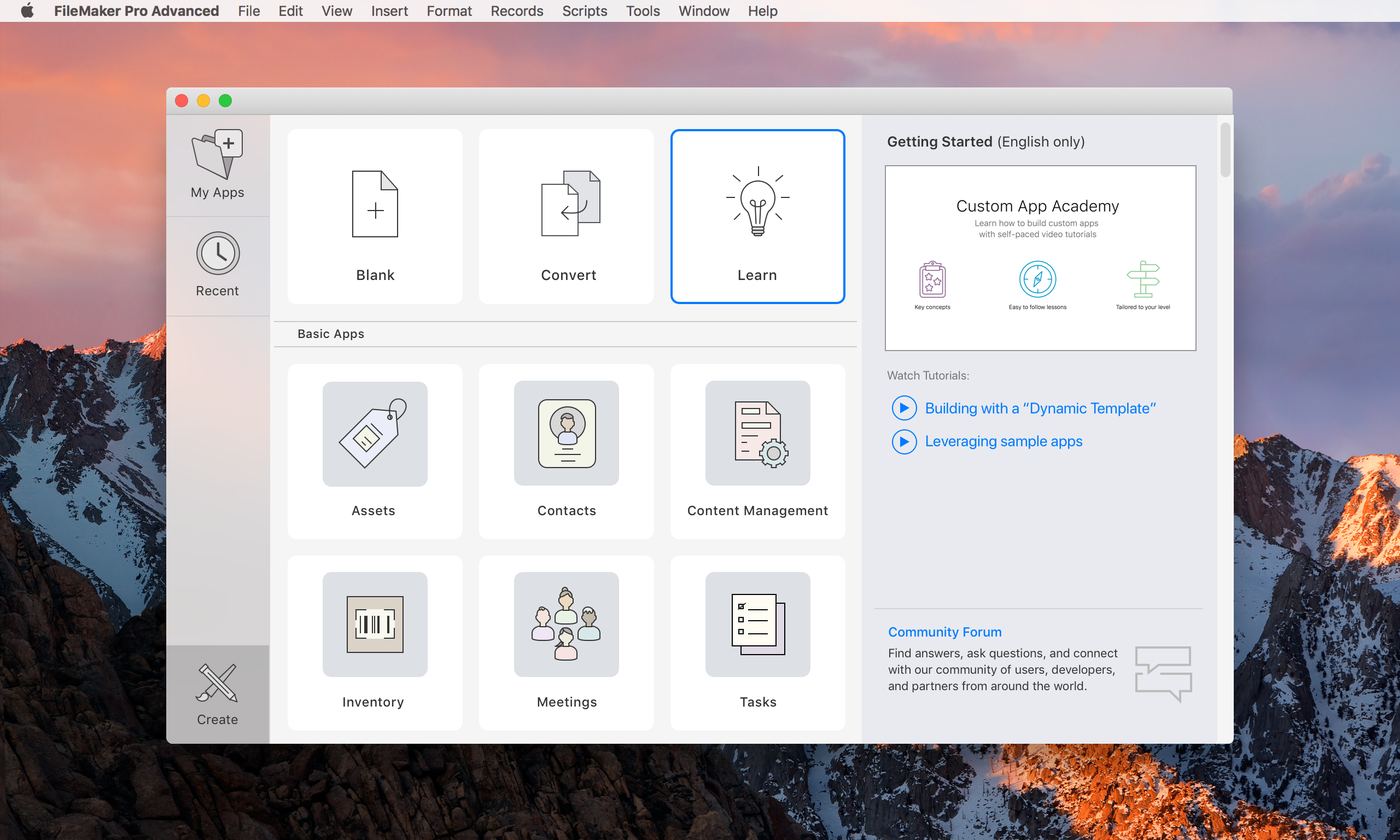
OSX
Launch Center
Designed the Launch Center experience on Mac — the home screen for creating, opening, and connecting to FileMaker apps — from My Apps and a template gallery (Contacts, Content Management, Inventory, Meetings, and more) to browsing locally or connecting to a hosted server.
Process — Identifying Users
Before drawing a single screen, I mapped out the two very different people who'd land on this same home screen: the developer building the solution, and the field worker who just needs to get into it and get to work. Sketching both out side by side made it obvious the Launch Center couldn't be one-size-fits-all.
Developer
When I'm setting up a solution for a client, I want to jump straight into creating (blank, template, or import) or back into recent and hosted work, so I can stay productive without hunting for files.
- Create — new blank file, templates, import
- Browse locally or connect to a host
- Recents — pick up the last file I was on
- Community and learning resources
- Easy to set up and hand off to clients
End User e.g. field worker
When I open the app on the job, I want one obvious way in — like my other iPhone apps — so I'm not confused by developer options I'll never touch.
- Doesn't need "create" — just open files
- One big, obvious button in
- Recents, sticky to exactly where I left off
- Simple browse / host connection
- Familiar, app-like feel — not "confusing"